Classroom Management
Make groups, pick names, watch the noise level, track points, and set up the room.
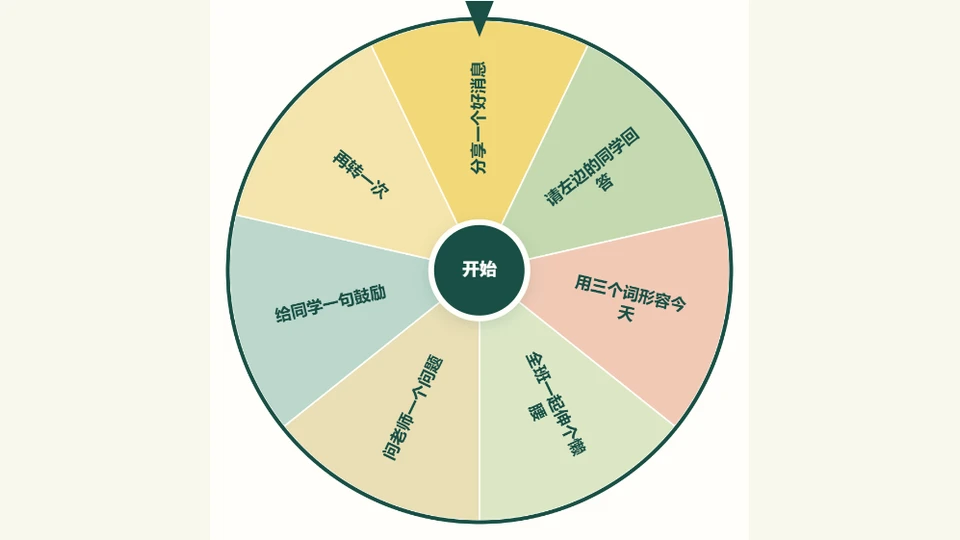
🎡 Lucky Wheel
Works across subjects
Enter words or sentences, then spin to choose one at random.
Open Tool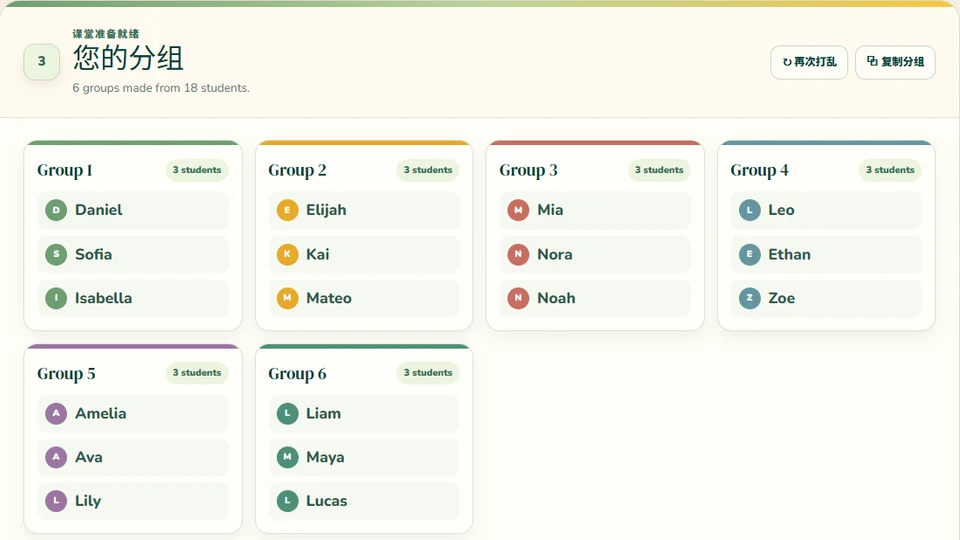
🎲 Random Group Generator
Works across subjects
Create partners or groups quickly for discussion, labs, problem solving, reading, and review.
Open Tool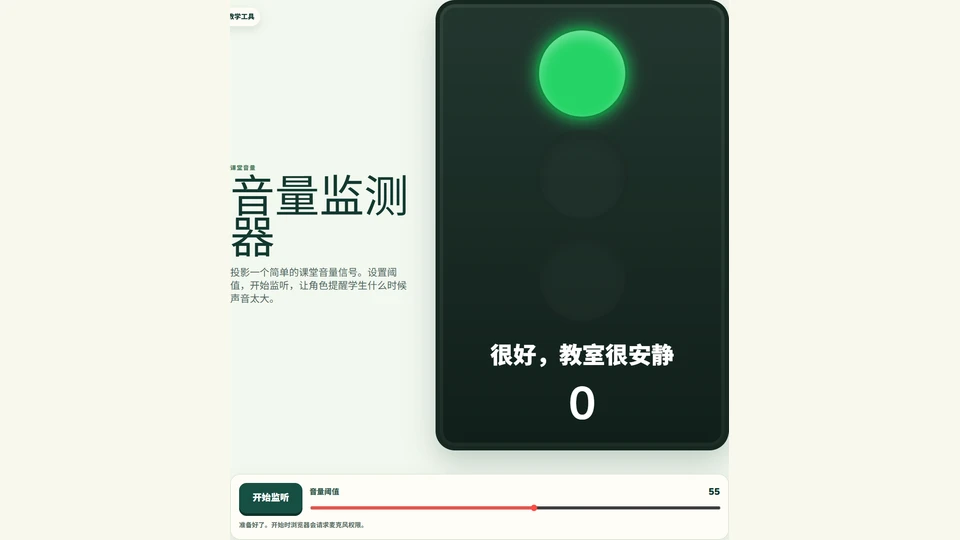
🔊 Classroom Noise Monitor
Projection tool · Microphone stays local
Show a big quiet/loud meter with a friendly character, threshold slider, and a gentle shh cue.
Open Tool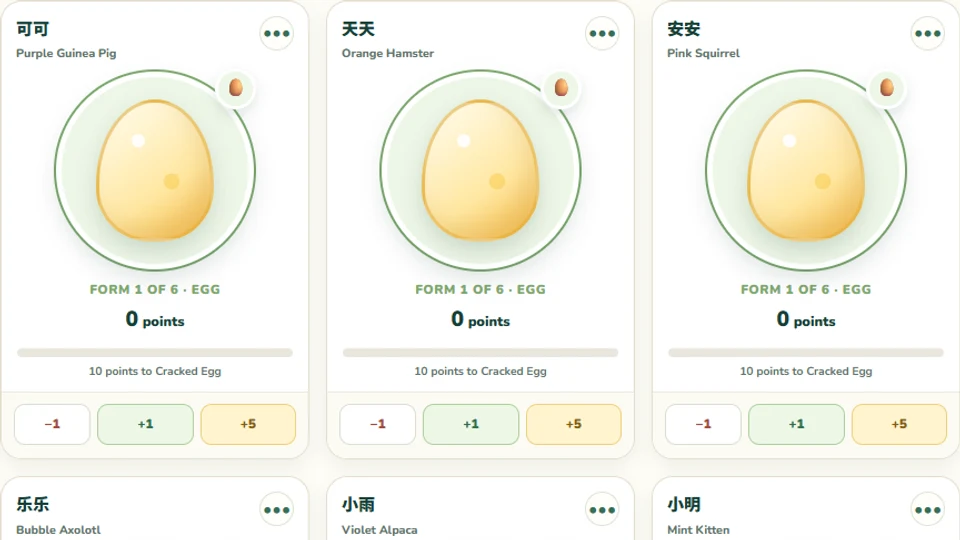
🐾 Class Pet Points
Teacher-managed · Saves in this browser
Help 24 original pets hatch, grow, sparkle, and wear teacher-chosen holiday skins.
Open Tool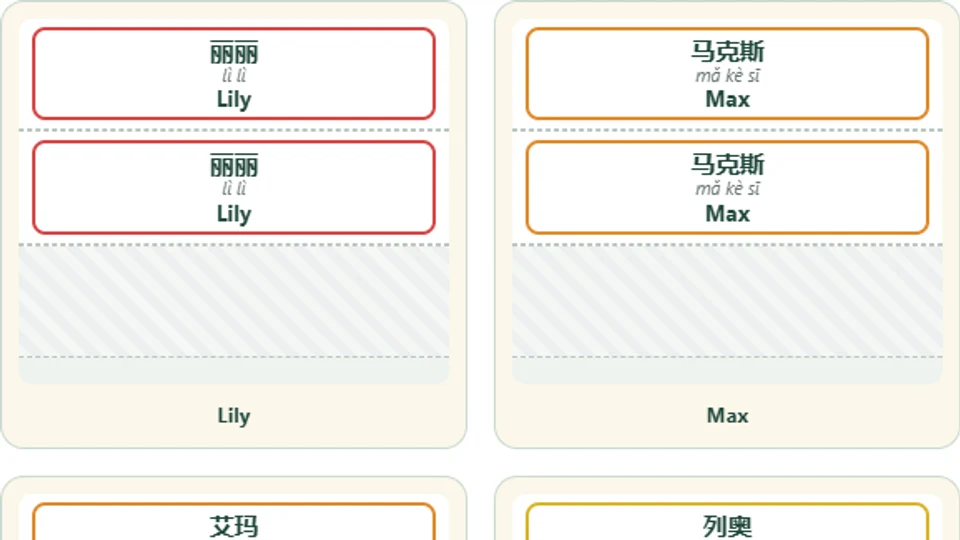
🔺 Desk Name Tent Generator
5 min · Classroom setup · Printable
Paste your class list and print one letter-size, no-cut sheet per student—fold lines marked, folds into a standing triangle. Chinese, English, pinyin, or all three, with a color-coded border.
Open Generator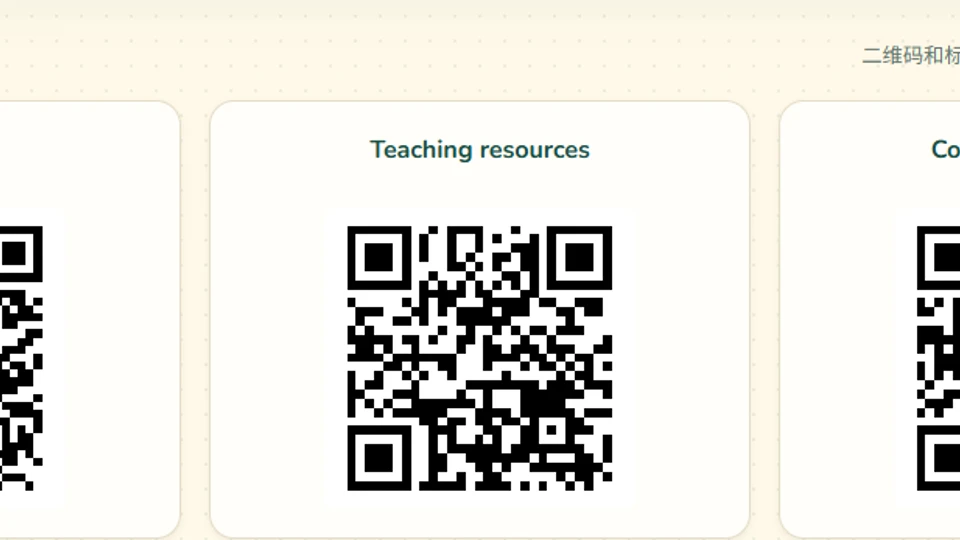
📌 QR Code Generator
Works across subjects
Generate QR codes from text or links for stations, research, choice boards, and family communication.
Open ToolReview Games
Bring your questions and play in teams.
CLS Quiz City
Works across subjects
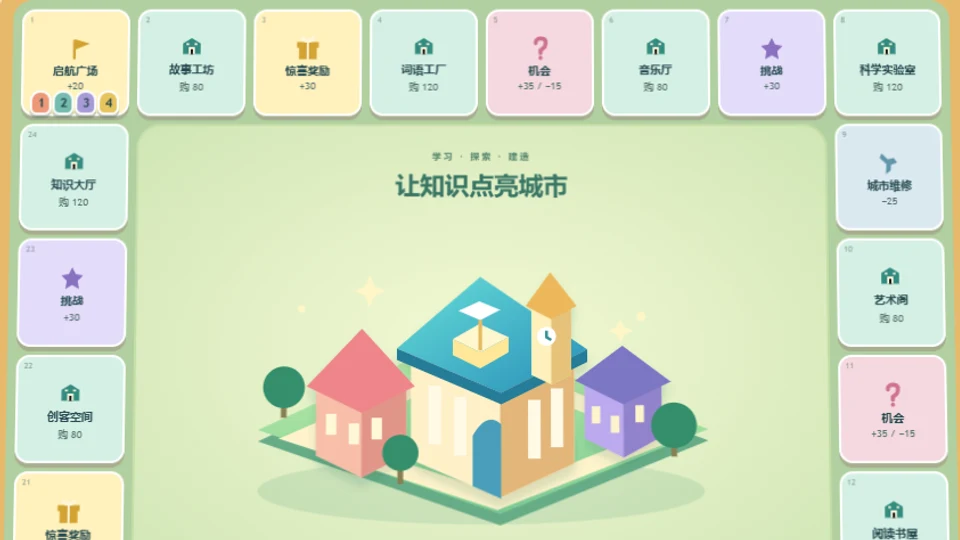
Answer, explore and build a knowledge city in a quick classroom game for 2–4 teams.
Open Tool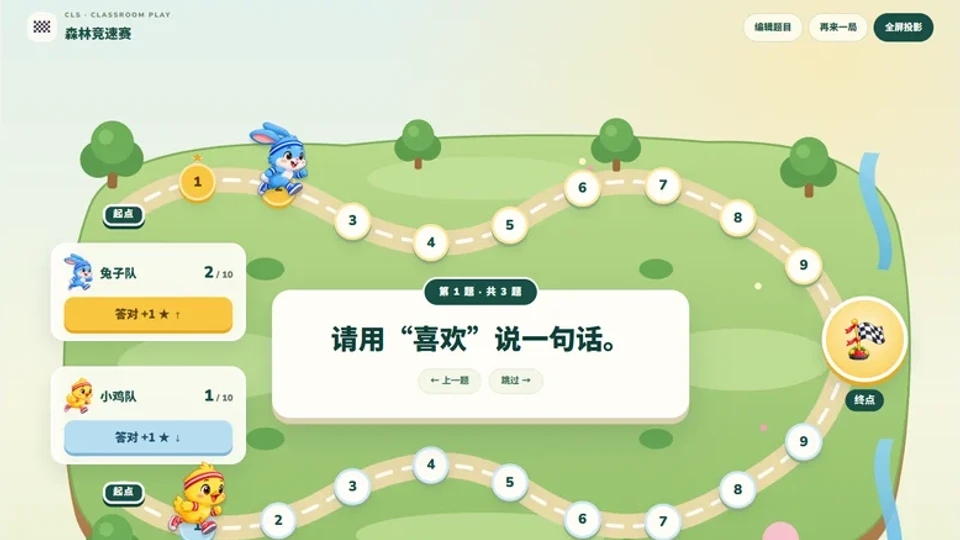
🏁 Team Quiz Race
Works across subjects
Two teams answer questions and race ten steps to the finish.
Open Tool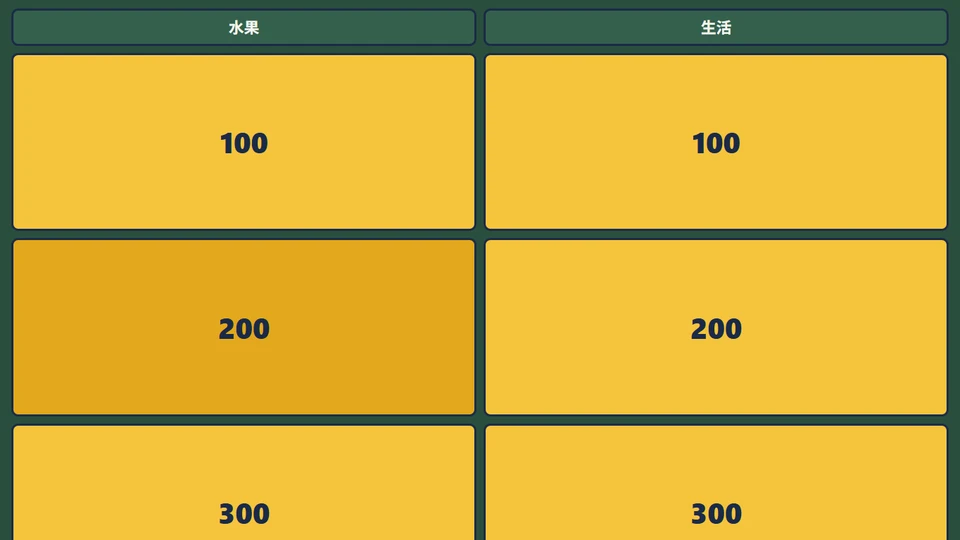
🏆 Jeopardy
15–25 min · Review
Create a timed team review game with your own categories, questions, answers, and scoring.
Open Activity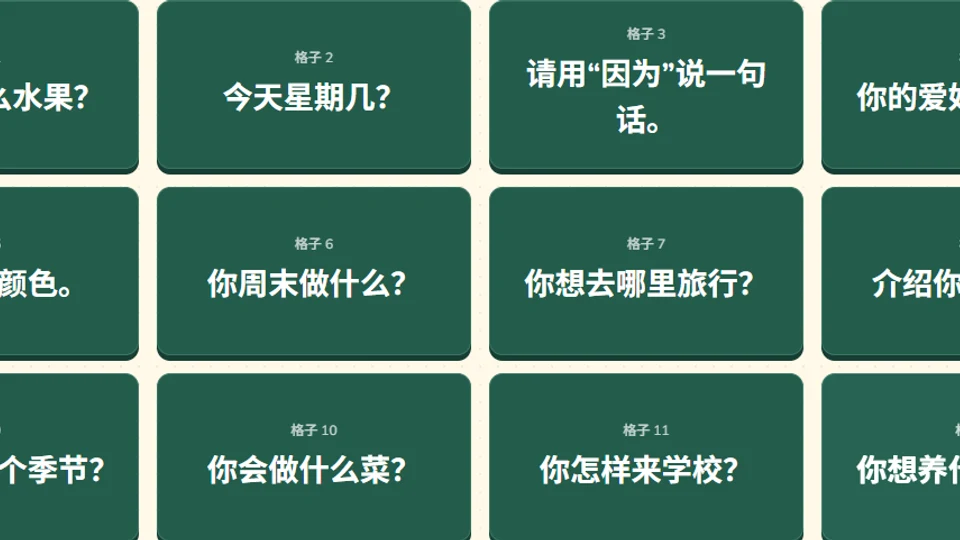
🎁 Classroom Reward Grid
Works across subjects
Choose a numbered tile, answer a question, and reveal points, emoji gifts, or your own pictures. Saves locally in this browser.
Open Tool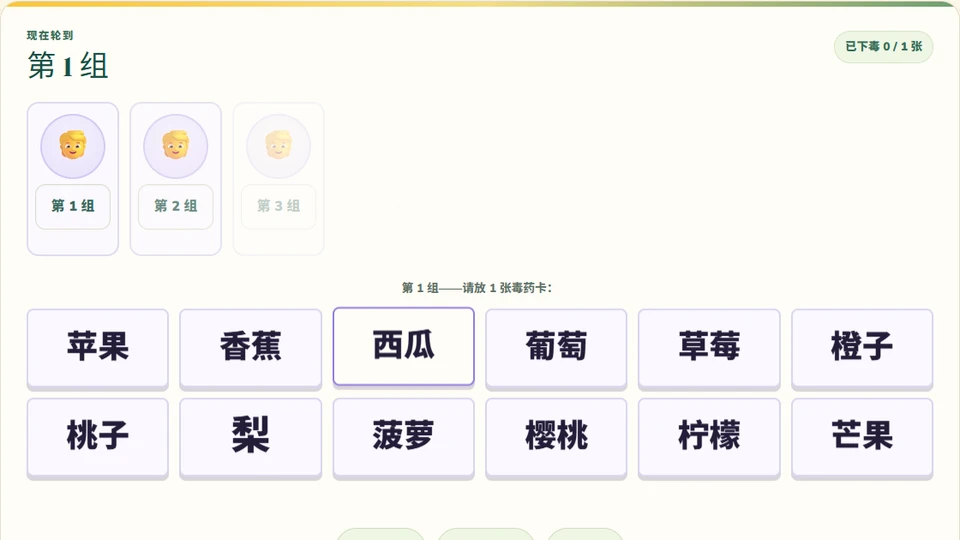
🧪 Witch's Poison
5–10 min · Any subject · Teams
Put anything on the cards — vocabulary, math problems, definitions — and teams take turns reading or answering while dodging the hidden poison.
Open Activity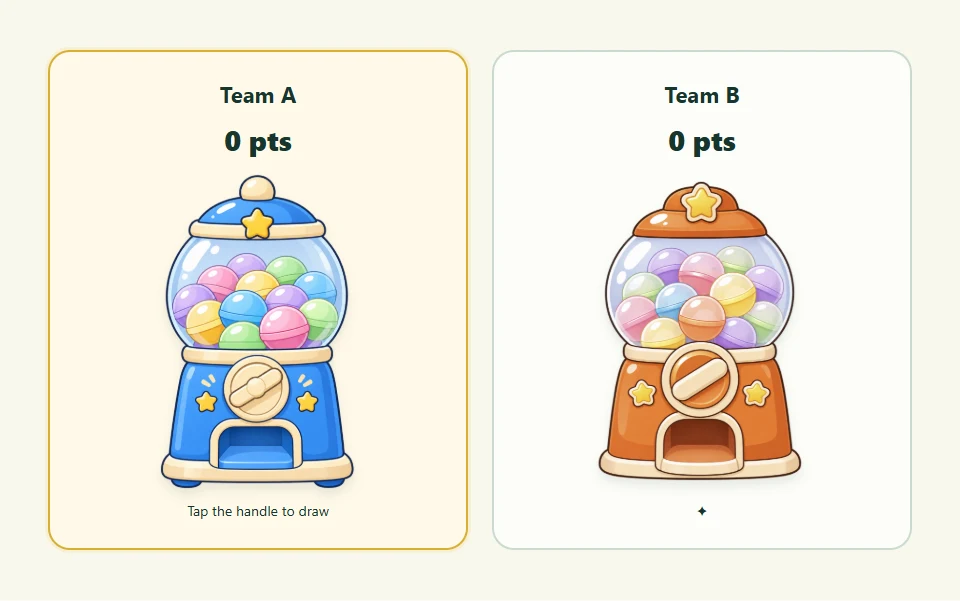
🫧 Vocabulary Gacha
Works across subjects
Import vocabulary, open capsules and play as a class or two teams with optional surprise points.
Open ToolVocabulary Warm-Ups
Quick projector games from a word list or a picture.
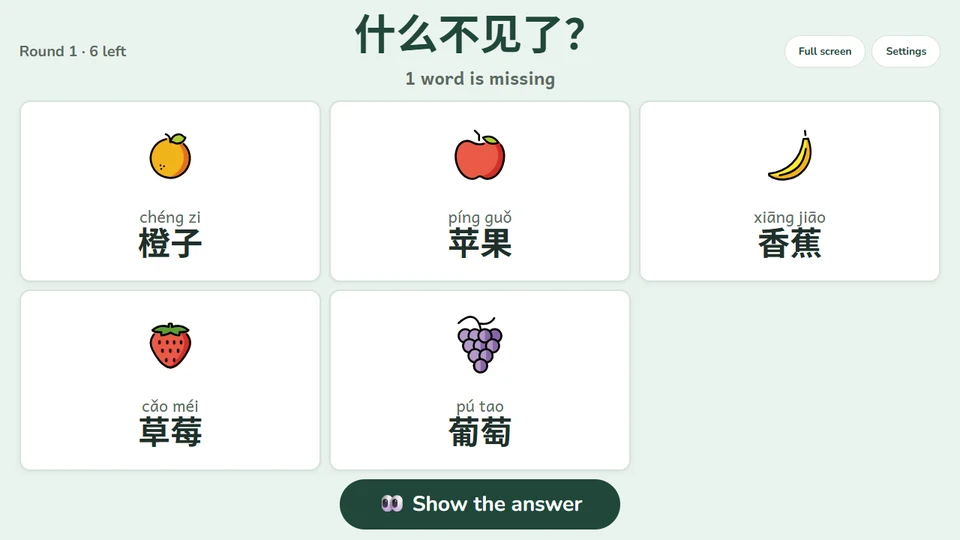
🙈 What's Missing?
5–10 min · Vocabulary · Whole class
A memory game for the projector. Students study the word cards, close their eyes, then say which words disappeared after the rest are shuffled. Choose emoji pictures, Chinese or pinyin, and how many words go missing.
Open Activity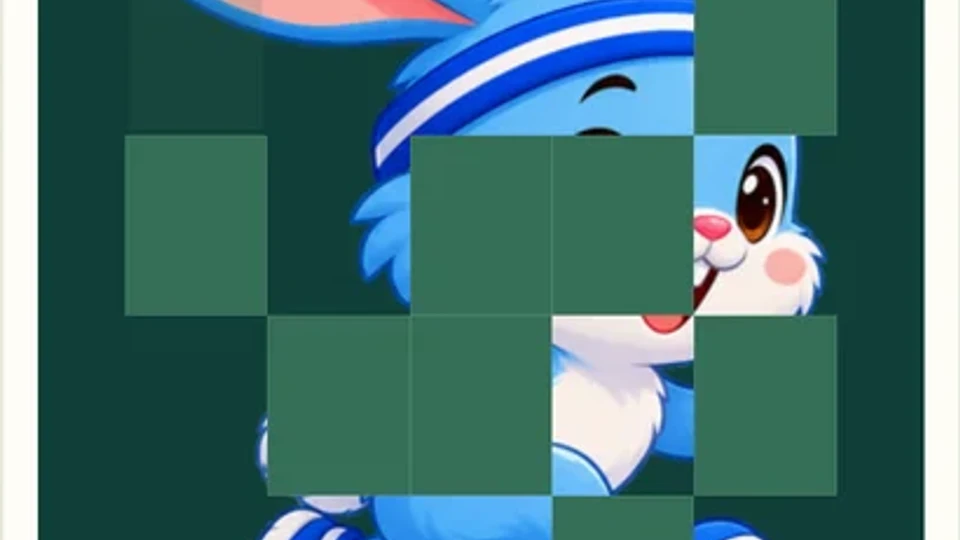
🖼️ Image Revealer
5–10 min · Any subject · Saves in this browser
Upload photos and reveal them tile by tile for a guess-the-picture warm-up or vocabulary review—images never leave your browser.
Open Activity
🔍 Zoom Reveal
5–10 min · Any subject · Saves in this browser
Upload a photo, click a spot to zoom into, and zoom back out slowly—manually or on autoplay—while students guess the picture.
Open Activity
🏁 Term Race
5–10 min · Game
Arrange terms on a word track (circle, heart, cloud, butterfly…) and grid for a fast partner clue-and-find game.
Open Activity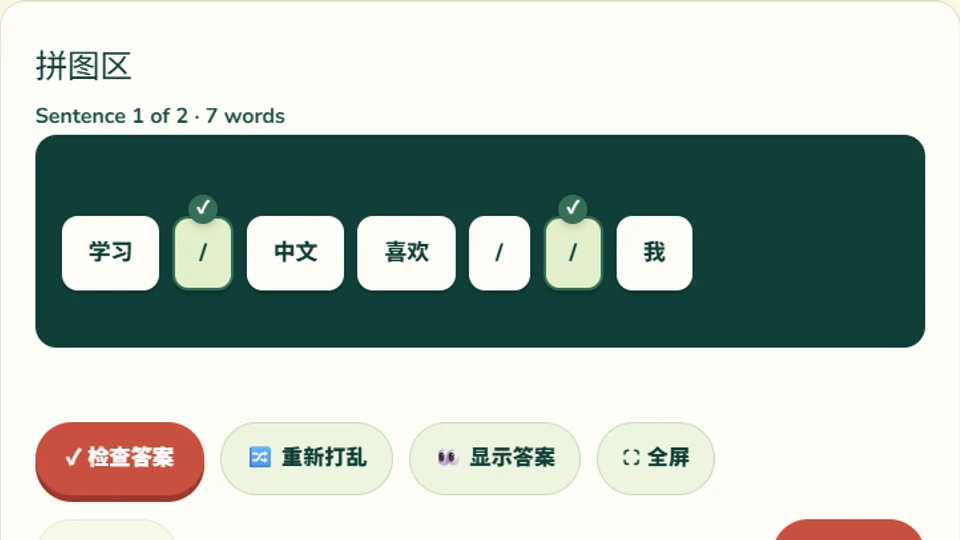
🧩 Sentence Reorder
5–10 min · Grammar & syntax · Any language
Type in sentences and let students drag the scrambled words back into the correct order—instant per-word feedback, no setup needed.
Open Activity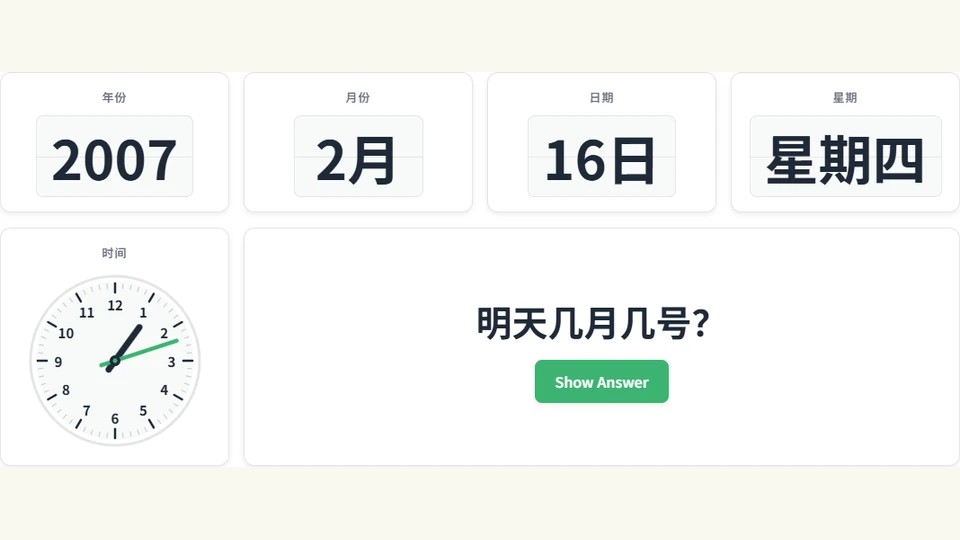
⏳ Time Machine
5–10 min · Dates & Time · Projection
Spin to a random year, month, date, weekday and clock time with flip animations and sound, then ask and reveal questions like 现在几点 and 今天星期几.
Open Activity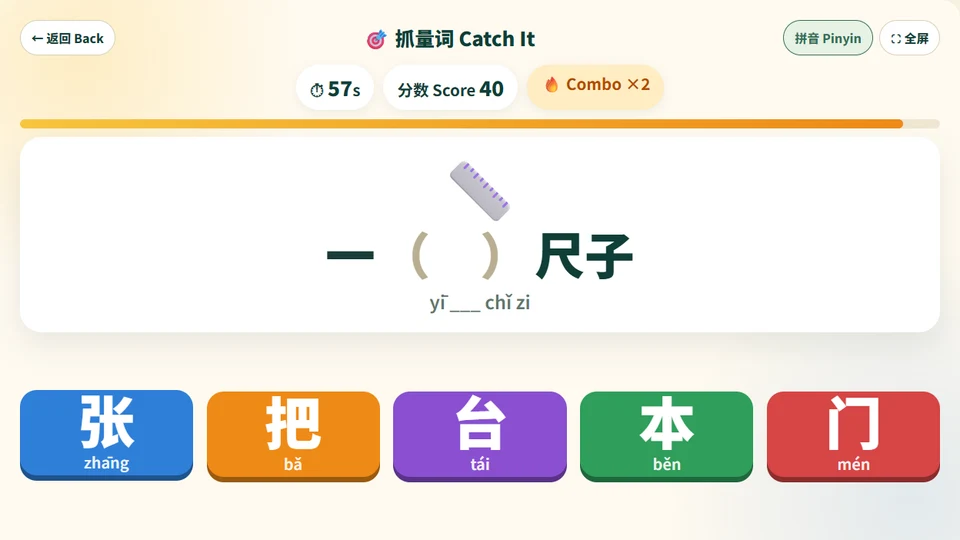
🎯 Measure Word Challenge
5–15 min · Measure words · Whole class or Chromebooks
Three measure word games: a 60-second Catch It round with combos, Fill the Sentence with numbers that change every time, and a red-vs-blue tug-of-war Team Battle for the projector. Each measure word has its own color, wrong answers show the rule, and the results screen shows which measure words students mix up. Add your own words and share a student link.
Open ActivityPrintables
Turn words or questions into printable games and worksheets.
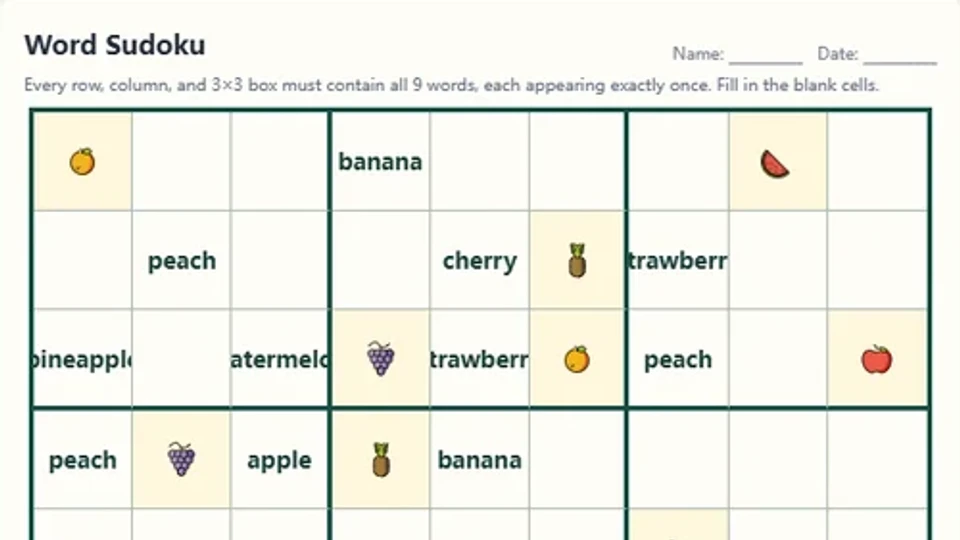
🧩 Word Sudoku Generator
5–10 min · Printable
Enter nine subject terms, match each one with an icon, and generate a printable 9×9 vocabulary Sudoku.
Open Activity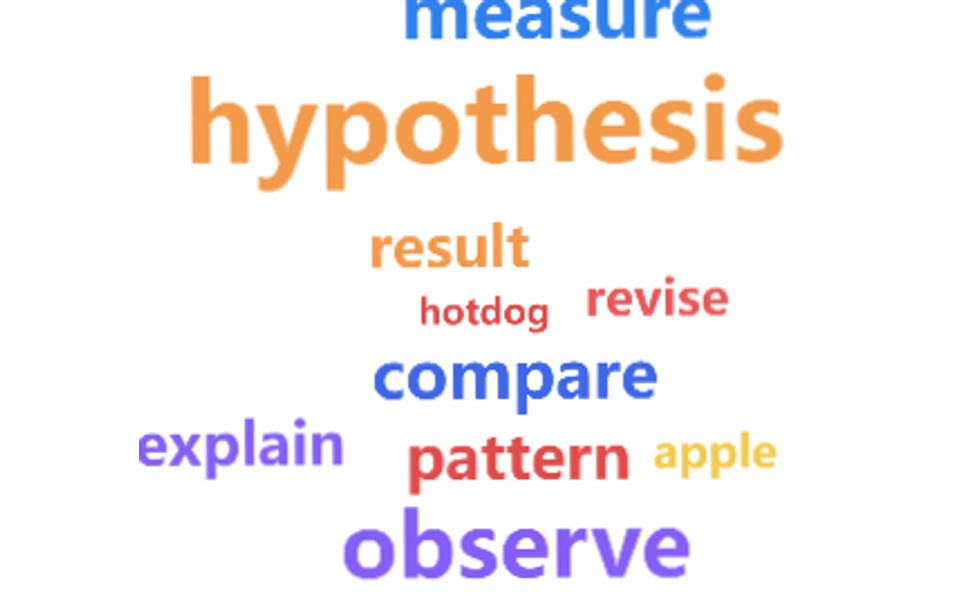
☁️ Word Cloud Game Generator
5 min · Any subject
Generate a printable word cloud for finding, sorting, connecting, and explaining terms.
Open Activity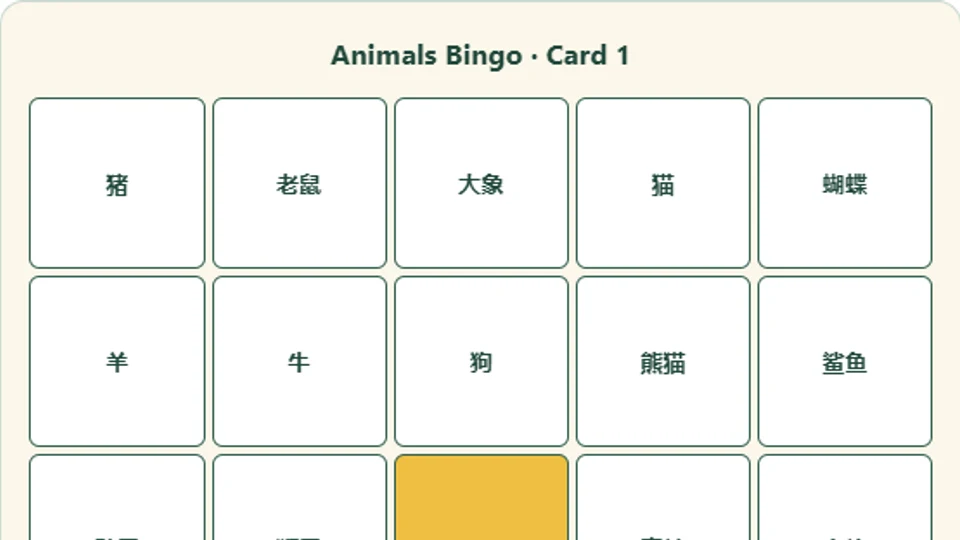
🎯 Bingo Generator
10–15 min · Any subject · Printable
Turn your vocabulary or sentences into a set of unique bingo sheets, shown in Chinese, English, pinyin, or all three—download as Word or print to PDF.
Open Generator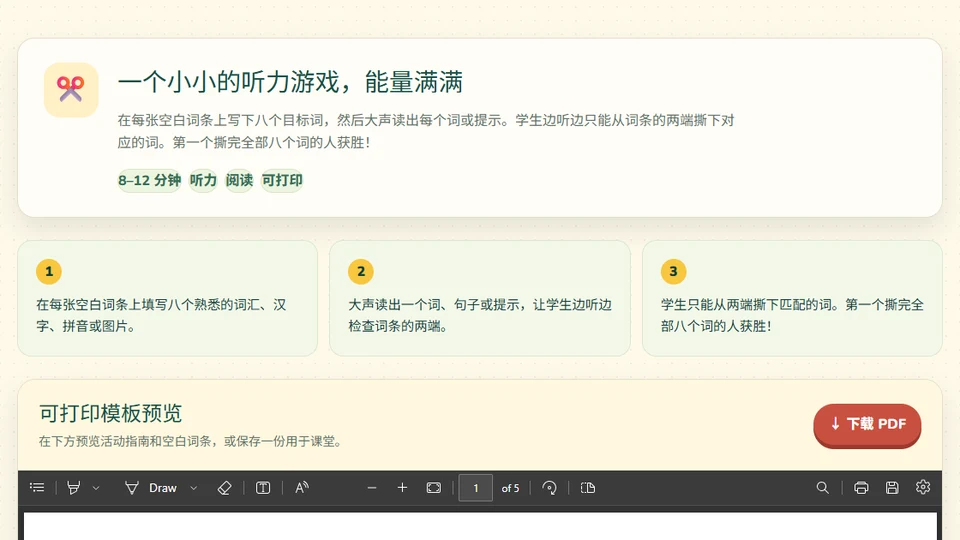
🟨 Tear-Paper Bingo
8–12 min · Listening
Students tear matching terms from either end as they hear a word, definition, example, or clue.
Preview & Download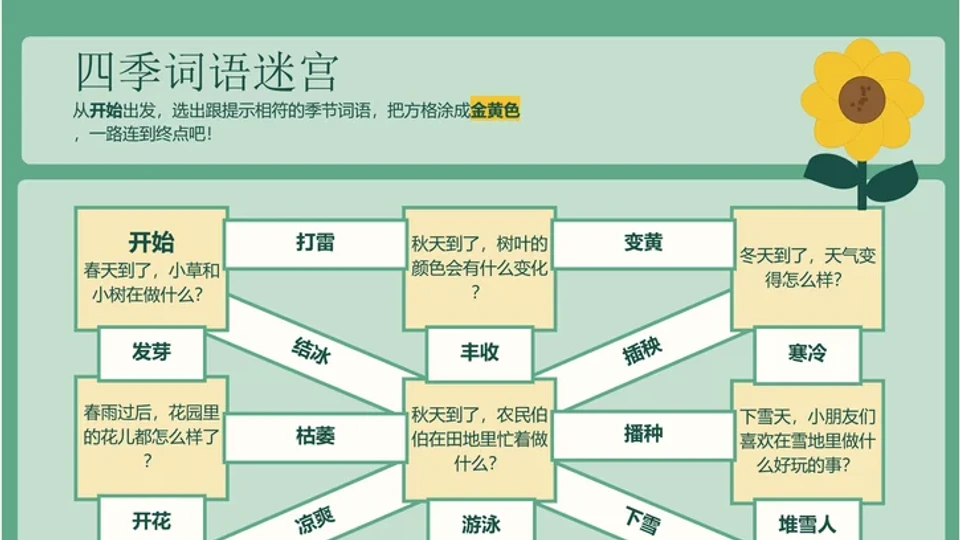
🧭 Maze Generator
10–15 min · Printable
Turn eight questions and answers into an editable PowerPoint maze for any subject.
Open Activity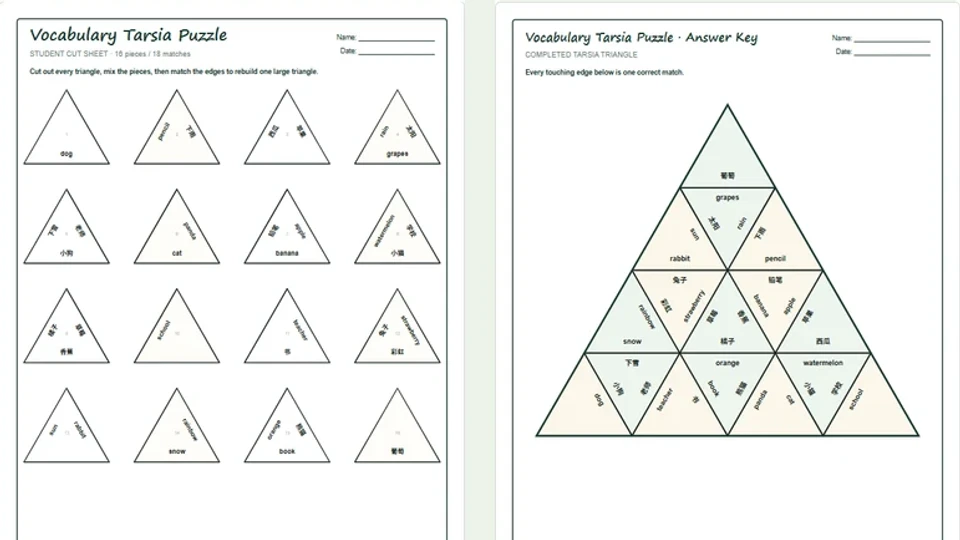
🧩 Tarsia Puzzle
10–15 min · Printable
Match vocabulary to English, pinyin, or Twemoji—or turn questions and answers into a printable triangle puzzle.
Open Generator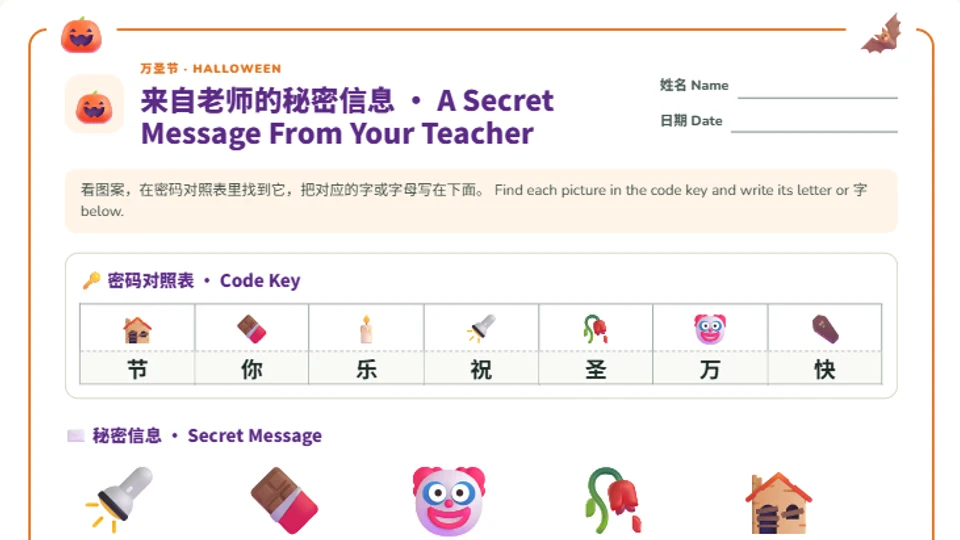
🔐 Secret Message Worksheet
5–15 min · Reading & decoding · Printable A4 / Letter
Type a Chinese or English sentence, pick a holiday theme, and every character becomes an emoji. Students use the code key to decode the secret message and write each character on the line or 田字格 below.
Open Generator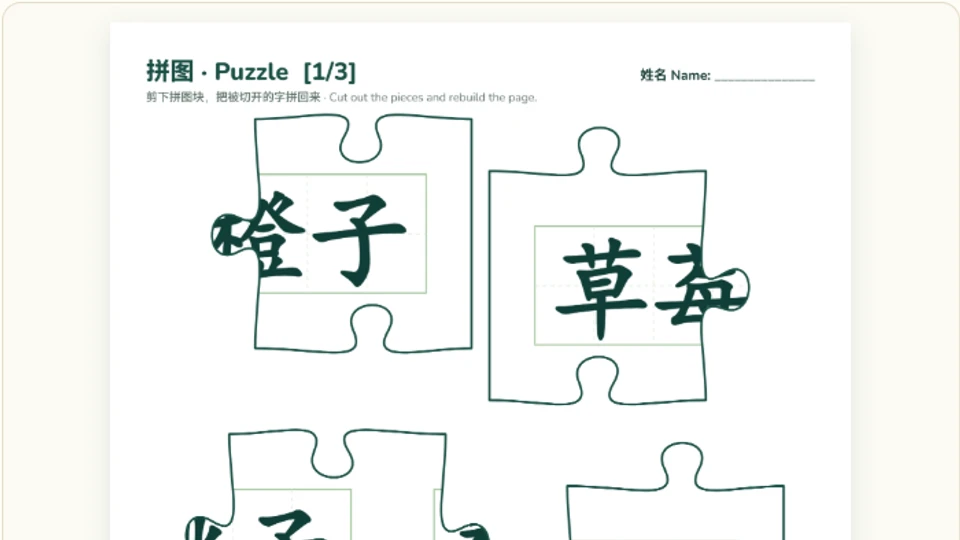
🧩 PDF Puzzle Maker
10–20 min · Vocabulary review · Printable A4 PNG / PDF
Upload an A4 PDF or an image, and the whole page is cut into a 2–24 piece jigsaw. Characters are split across pieces, so students rebuild the words as they put the page back together. Prints scrambled pieces, an assembly board and an answer key as PNG or PDF.
Open Generator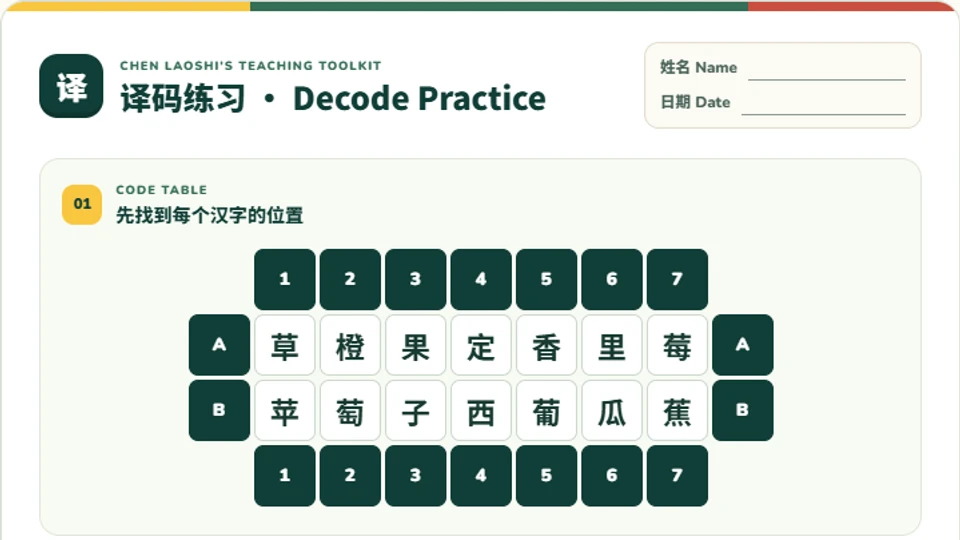
🔡 Decode Practice Generator
5–10 min · Vocabulary review · Printable
Paste a Chinese word list and generate a printable 译码练习: characters are scattered into a numbered-and-lettered code grid, and students use the row/column codes to find each word. Decode or Encode mode.
Open Generator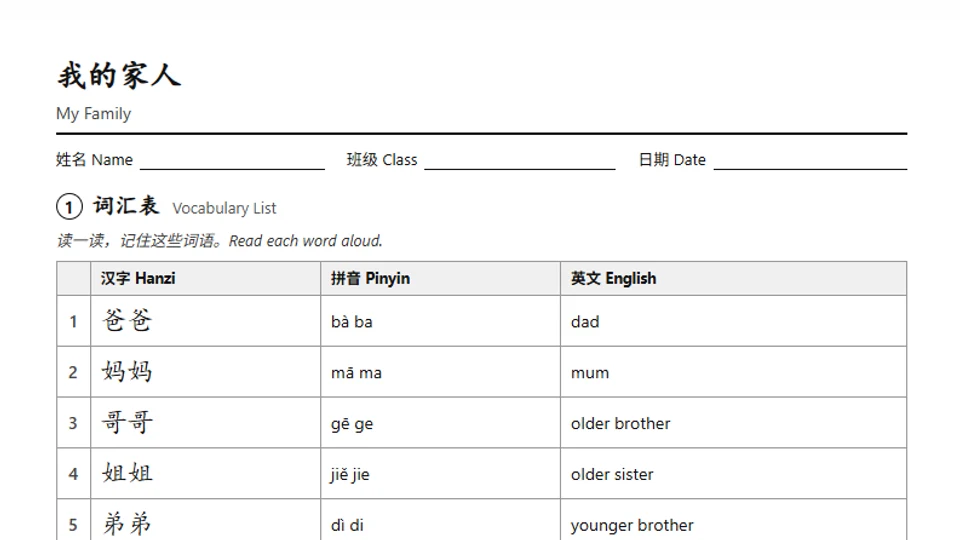
📝 Chinese Worksheet Generator
5 min prep · Vocabulary & grammar · Printable A4 / Letter
Type your vocabulary (and a few example sentences) and get a print-ready worksheet with up to 12 question types — matching, multiple choice, fill in the blanks, sentence order, word search, 田字格 tracing and more. Pinyin and English fill in automatically, with shuffled versions and an answer key.
Open Generator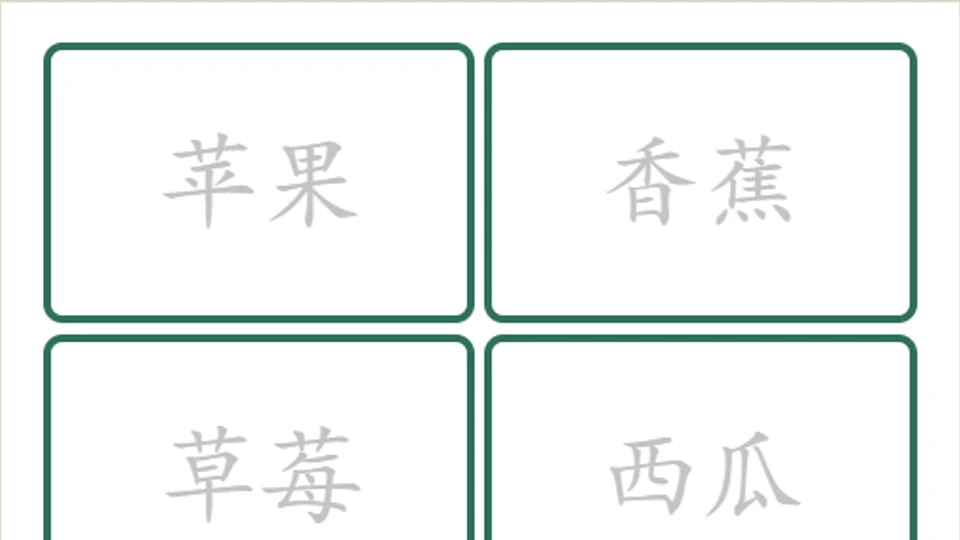
🗂️ Chinese Flash Card Generator
5 min · Vocabulary · Duplex PDF
Paste Chinese vocabulary, add pinyin automatically, and download Letter-size 2×4 flash cards with aligned front and back pages in your border color.
Open Generator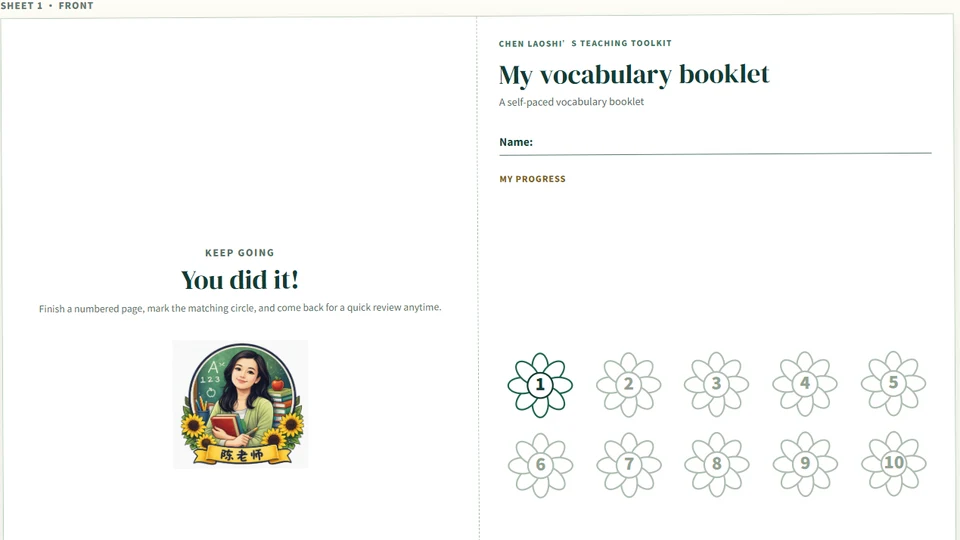
📖 Vocabulary Mini Booklet
10–15 min · Printable
Turn up to 100 terms into a folded booklet for definitions, sketches, examples, and self-paced review.
Open ActivityCharacters & Pinyin
Stroke order, components, character recognition, and pinyin fonts for Chinese classes.
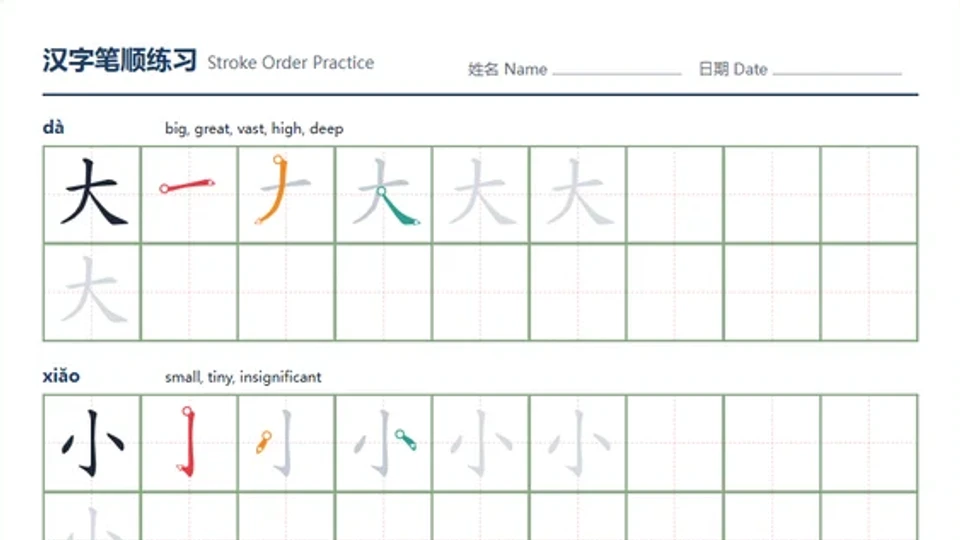
✍️ Stroke Order Worksheet
5–15 min · Character writing · Printable
Type up to 12 Chinese characters and get a printable worksheet with a colour-coded stroke-by-stroke breakdown, pinyin, English meaning, and 田字格 / 米字格 tracing boxes. Download as PNG/SVG, print to PDF, or share a link.
Open Generator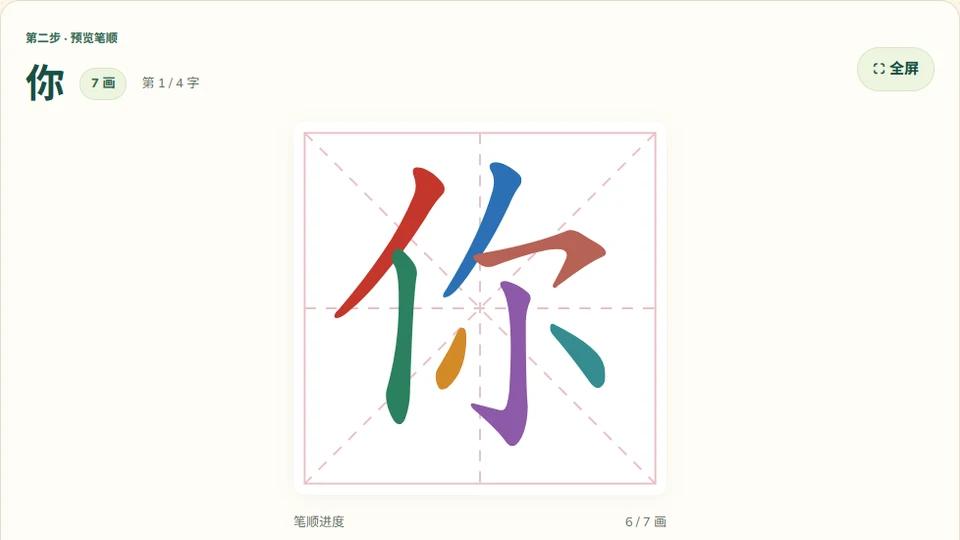
🎨 Chinese Stroke Animation Batch Generator
Chinese · Animated strokes · Batch download
Preview Chinese stroke order and export GIF, SVG, PNG, cumulative stroke diagrams, and printable A4 PDFs in one ZIP.
Open Generator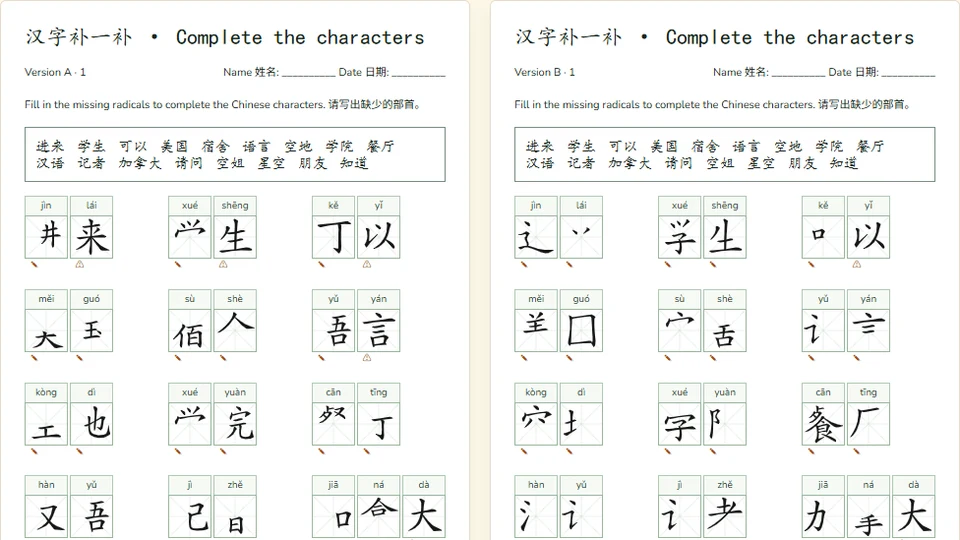
✍️ Missing Radicals & Strokes
Chinese · Printable A/B worksheets · Team whiteboard
Create missing-part character grids with pinyin, answer keys, and a two-team writing challenge.
Open Activity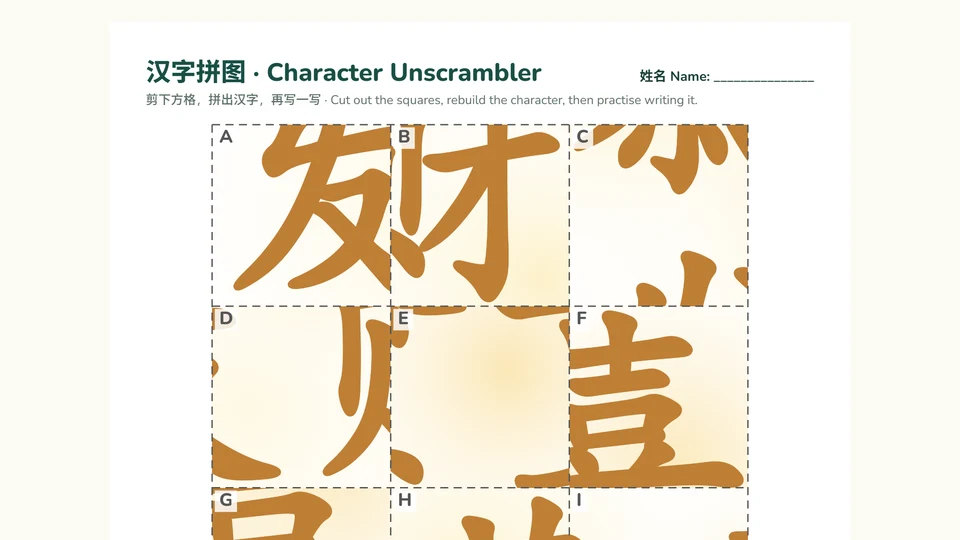
✂️ Character Unscrambler
10–15 min · Character recognition · Printable A4 PNG / PDF
Type a character or a few words and each one is drawn large and cut into scrambled squares, with part of a stroke in every square. Students cut them out, rebuild the character and practise writing it in 田字格. Choose how many characters or words go in each puzzle; prints a worksheet, glue board and answer key.
Open Generator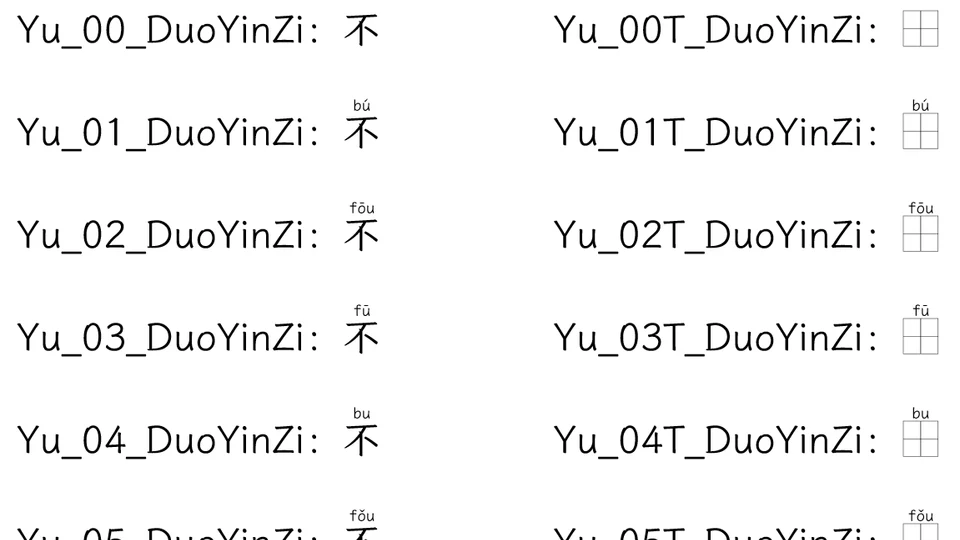
🈶 Polyphonic Pinyin Font
Chinese learning · Font download
Choose numbered pinyin readings, or add T for printable pinyin and Tianzi-grid handwriting practice.
View & DownloadReading & Expression
Reading, discussion, and student projects.
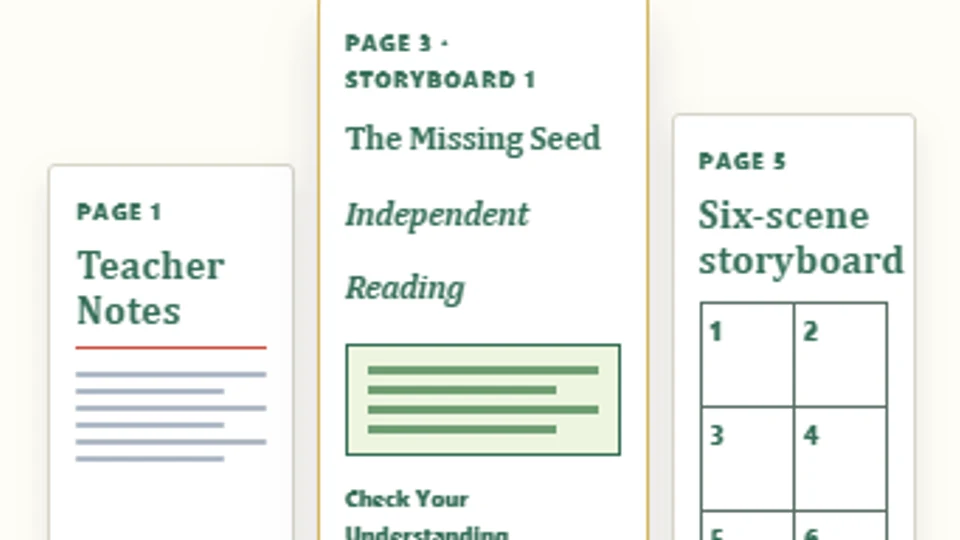
📖 Independent Reading
10–20 min · Reading
Create a printable reading packet with your own text, comprehension questions, rewrite page, and storyboard.
Open Activity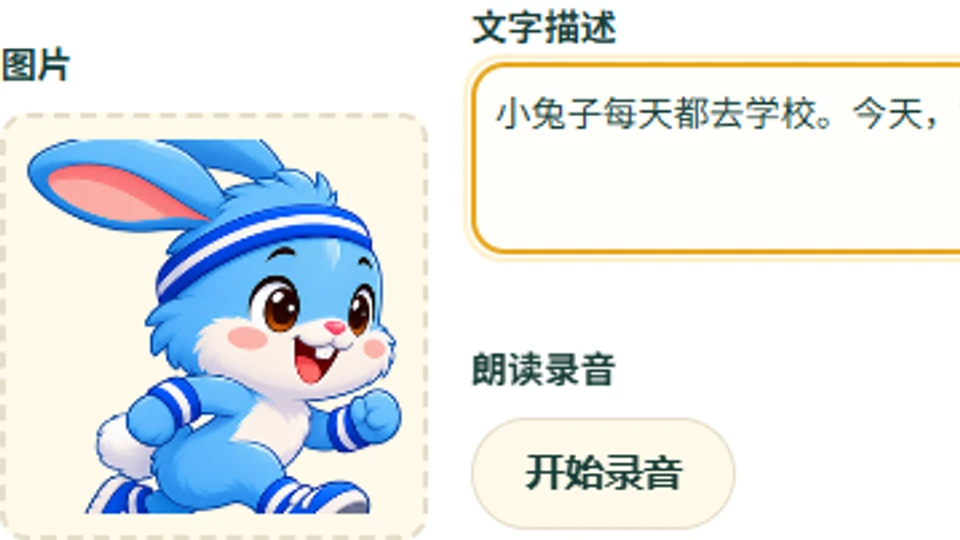
🎧 Book Generator Free for a limited time
20–30 min · Student project · Shareable link
Students upload a picture and caption for each page, record themselves reading it aloud, and add background music—then get a password-protected link to share the finished audiobook.
Open Tool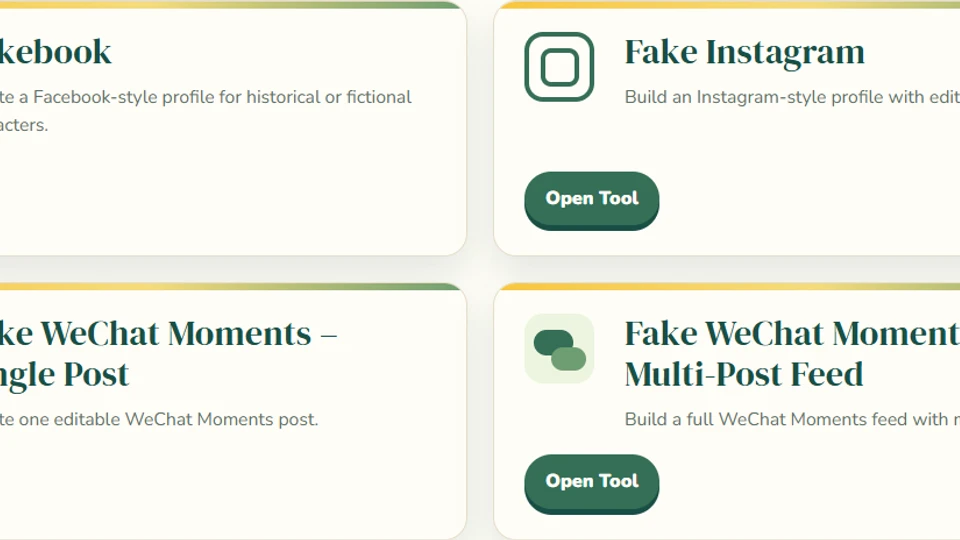
🗨️ Social Media Classroom Tools
Any subject · Character work · Saves in browser tools
Open the unified hub for Fakebook, Fake Instagram, and Fake WeChat Moments classroom simulations.
Open Activity
🤔 Would You Rather
5–10 min · Discussion
Build either-or discussion slides that ask students to choose, justify, compare, and respond.
Open Generator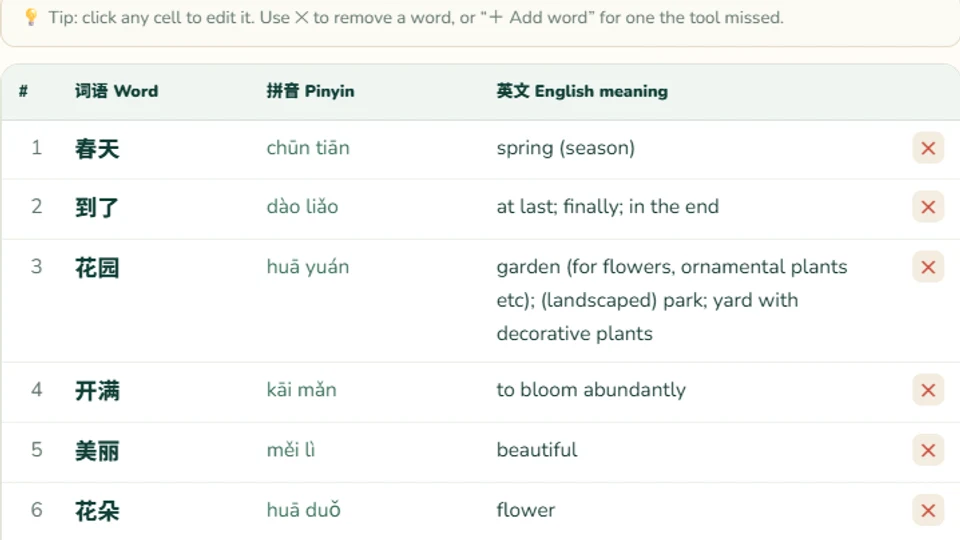
📖 Article Vocabulary Builder
Any length · Reading prep · Word download
Paste a Chinese article and the tool automatically finds the words inside it, looks up each word’s pinyin and English meaning from CC-CEDICT, and lets you edit the list. Download a Word (.docx) file with the full text plus a ready-to-print vocabulary table.
Open GeneratorPrep Resources
Save word lists and question banks to reuse across activities.
🗂️ My materials
Language & vocabulary
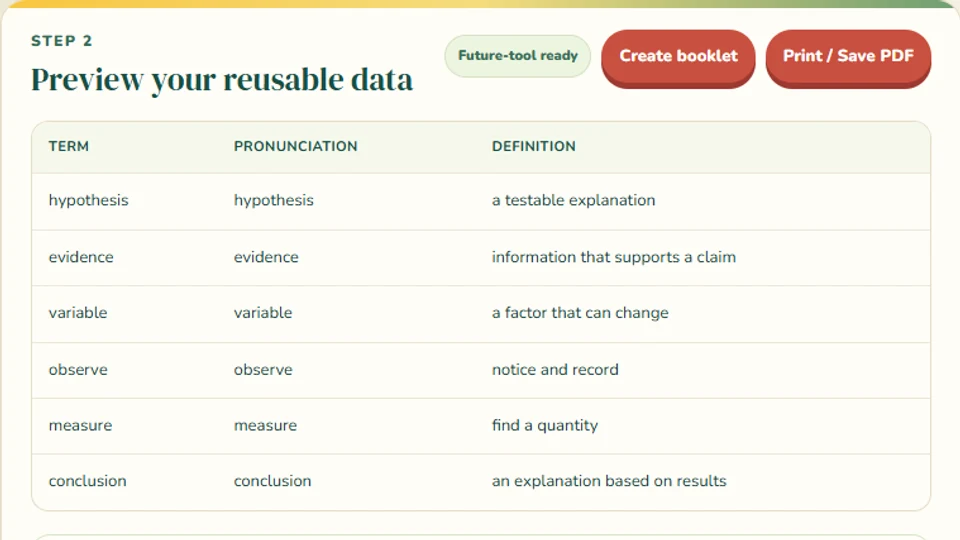
Save vocabulary and questions to reuse across classroom activities.
Open Tool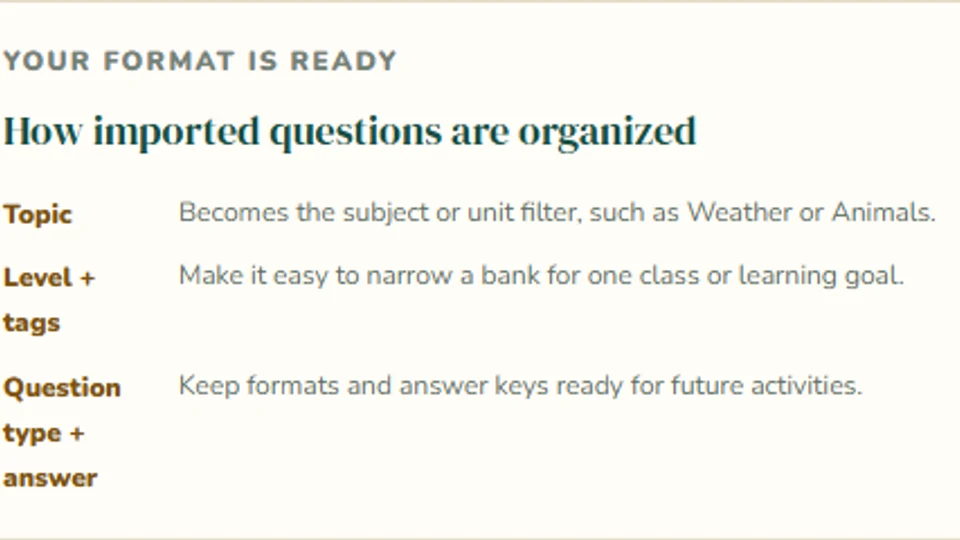
🧠 Question Bank Library
Chinese starter banks
Browse Chen Laoshi’s preset question banks or import your own questions, save them in this browser, and reuse them in activities that support question-bank imports.
Open Tool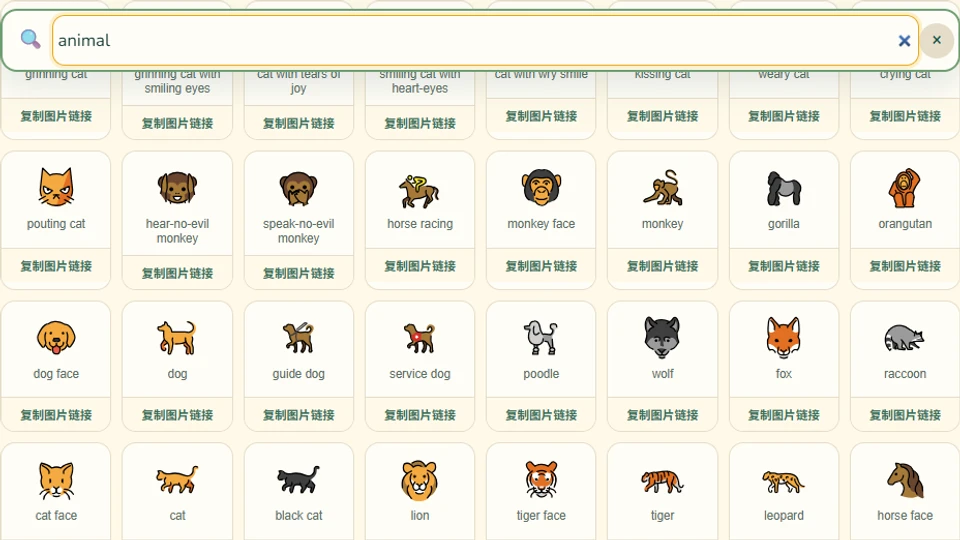
🔎 Emoji Search
Any device · Free commercial use
Search thousands of OpenMoji emoji by English or Chinese keyword, then tap to copy the emoji or its image link—free for commercial use in your materials.
Open ToolComing Soon
Activities still in the works.
🌻 Chinese UNO Card Generator
10–15 min · Vocabulary & games · Chinese
Paste a Chinese vocabulary list (汉字 拼音, English) and generate a printable, color-coded UNO-style deck—with optional Skip, Reverse, Draw Two, and Wild cards.
💬 5-Minute Speaking Prompts
5 min · Speaking
Ready-to-use questions for partners, small groups, or a quick whole-class warm-up.
✍️ Quick Write
5–10 min · Writing
Short writing prompts that review key terms, concepts, or lesson themes.
🎟️ Exit Ticket
3–5 min · Assessment
A fast end-of-class check for understanding, reflection, or one final learning challenge.
🔄 Think–Pair–Share
5–8 min · Discussion
Move students from independent thinking to partner talk and class sharing.