What is this tool?
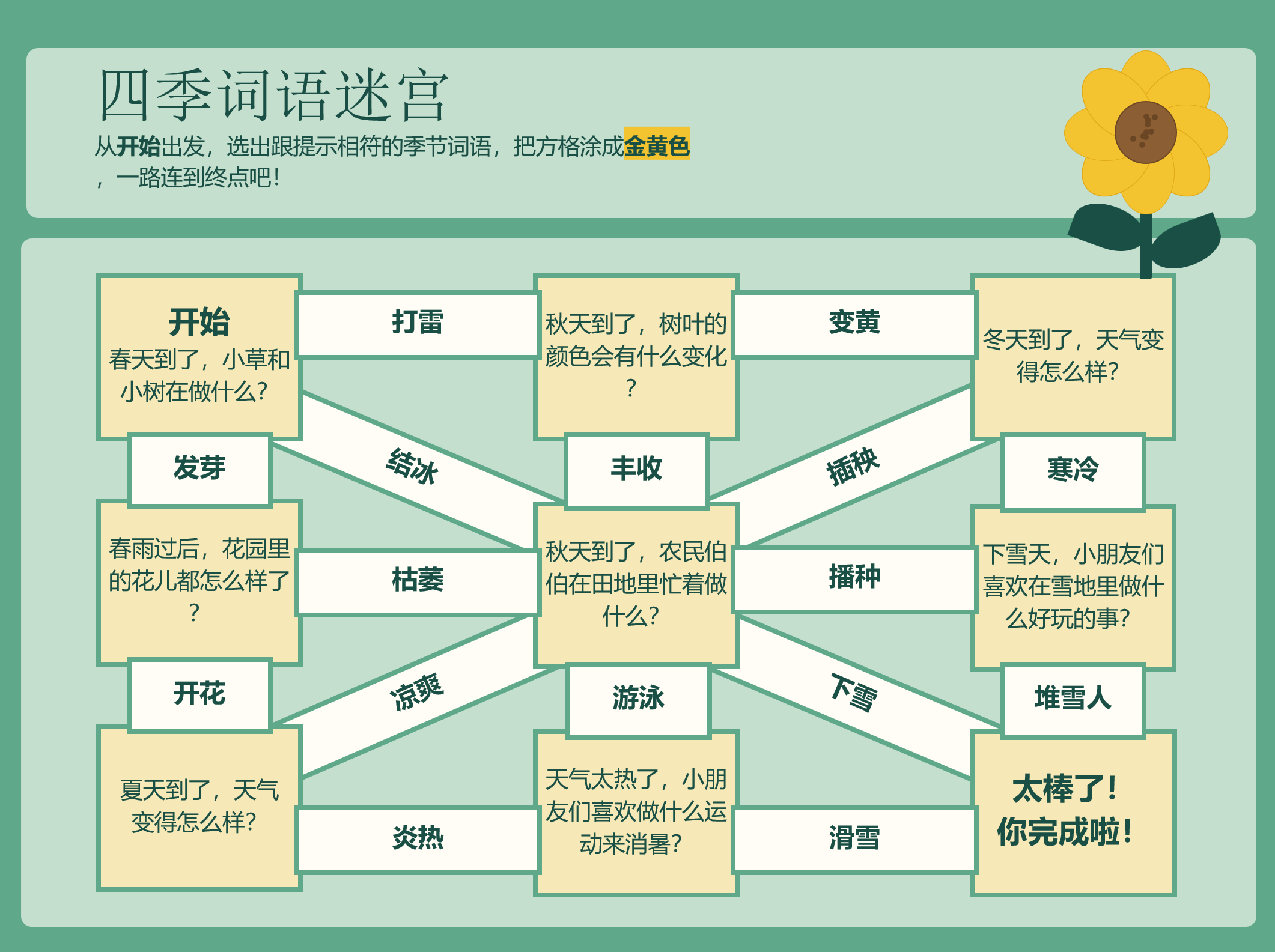
The maze converts a sequence of short checks into a visual path. It works well for formative review because the first wrong turn often reveals the exact idea that needs reteaching.
Editable PowerPoint worksheet
Build a ready-to-print maze from eight questions and answers. Your answers are placed along one complete route, then exported in the Chen Laoshi editable PowerPoint template.
Worksheet details
The title appears on all three editable PowerPoint pages.
Question & answer pairs
Use one numbered line for each question. Put the short answer directly after the question, separated by a vertical bar |. The other answers become shuffled choices.
One pair per line. You can also use an arrow (→) between the question and answer.
Start over
Clear the title and all eight pairs when you are ready for a new worksheet.
Printable review task
Turn eight questions and answers into an editable maze so students follow correct responses and leave a visible reasoning path.
The maze converts a sequence of short checks into a visual path. It works well for formative review because the first wrong turn often reveals the exact idea that needs reteaching.
Each question shows one fraction and students choose an equivalent form. After reaching the end, they select four correct pairs and explain the strategy they used. Review the first wrong turn rather than checking only the final destination.